A ground control station built around the work
UXDuck brings simulation, vehicle setup, mission planning, live flight and engineering tools into one workspace.
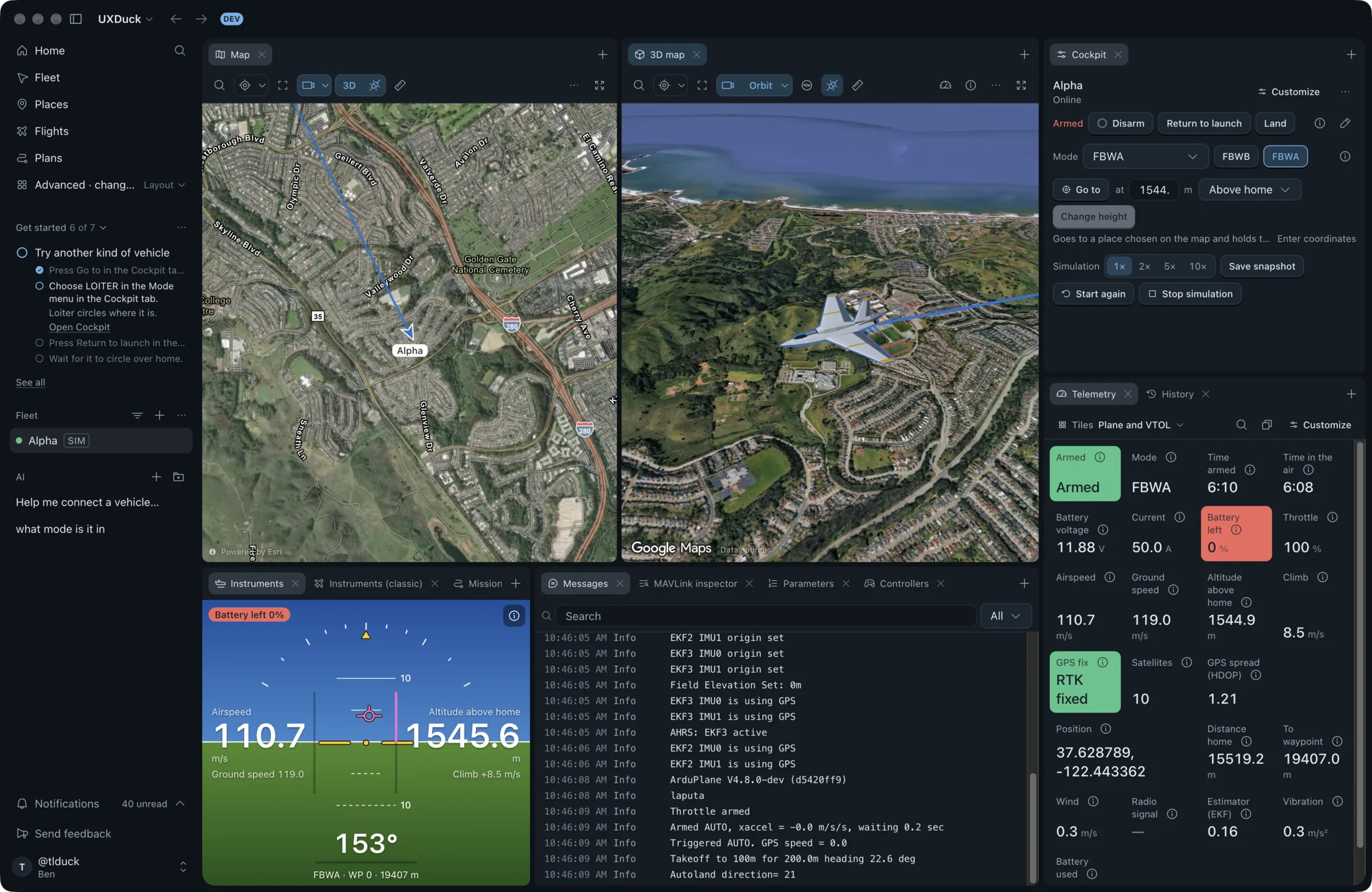
A real simulation in the browser
Open UXDuck in Chrome, Firefox or Safari and run an ArduPilot vehicle without installing anything. Change the vehicle type or starting place, practise controls and inspect live telemetry before the airframe is available.
Try a simulationThe same workspace for the real vehicle
Install UXDuck to connect over USB, a telemetry radio, UDP or TCP. Automatic discovery handles common local links, and forwarding lets another ground station listen at the same time.
Connect a vehicleParameter changes you can explain later
Search and group parameters, compare values with defaults, stage related changes and keep a history of who changed what and why.
Read the parameter guideMissions stay connected to the vehicle
Create plans on the map, import common mission files, upload to a chosen vehicle and verify the mission read back from it. Terrain checks and mission history keep the plan grounded in what will actually fly.
Read the docsFlight information in one working view
Arrange 2D and 3D maps, cockpit controls, telemetry, vehicle messages, instruments and camera video around the task. Save layouts for different vehicles and stages of a test campaign.
See telemetry and controlCLI and MCP for repeatable engineering work
Query vehicles, telemetry, parameters, messages and recent history from a terminal or a coding agent. Read access is separate from actions that change a vehicle, and command results include receipts to inspect.
Set up MCPTry the working product first
Start a simulation in your browser. Install UXDuck when you are ready to connect hardware.